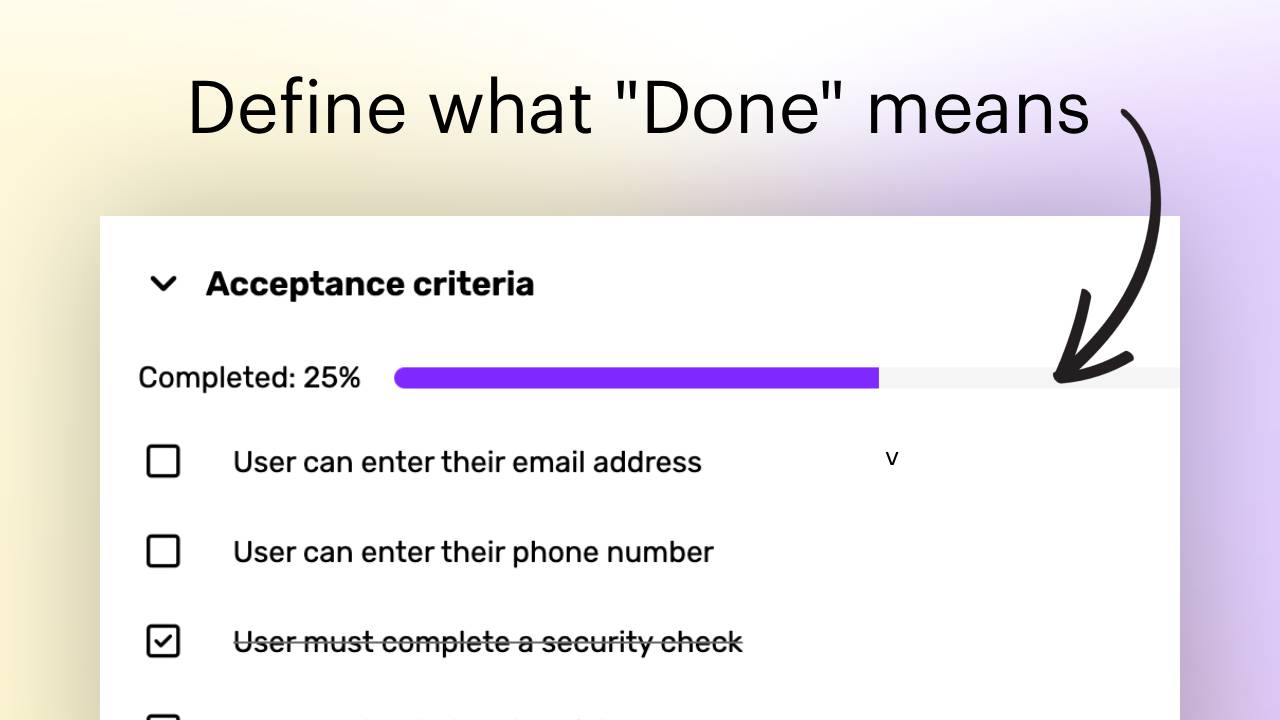
Define what "Done" means for your tasks with Acceptance Criteria
Acceptance Criteria allow you to define specific conditions that must be met for a task to be considered complete. This helps ensure that everyone on the team has a clear understanding of what "done" means for each task, reducing ambiguity and improving project outcomes.
How to Use Acceptance Criteria
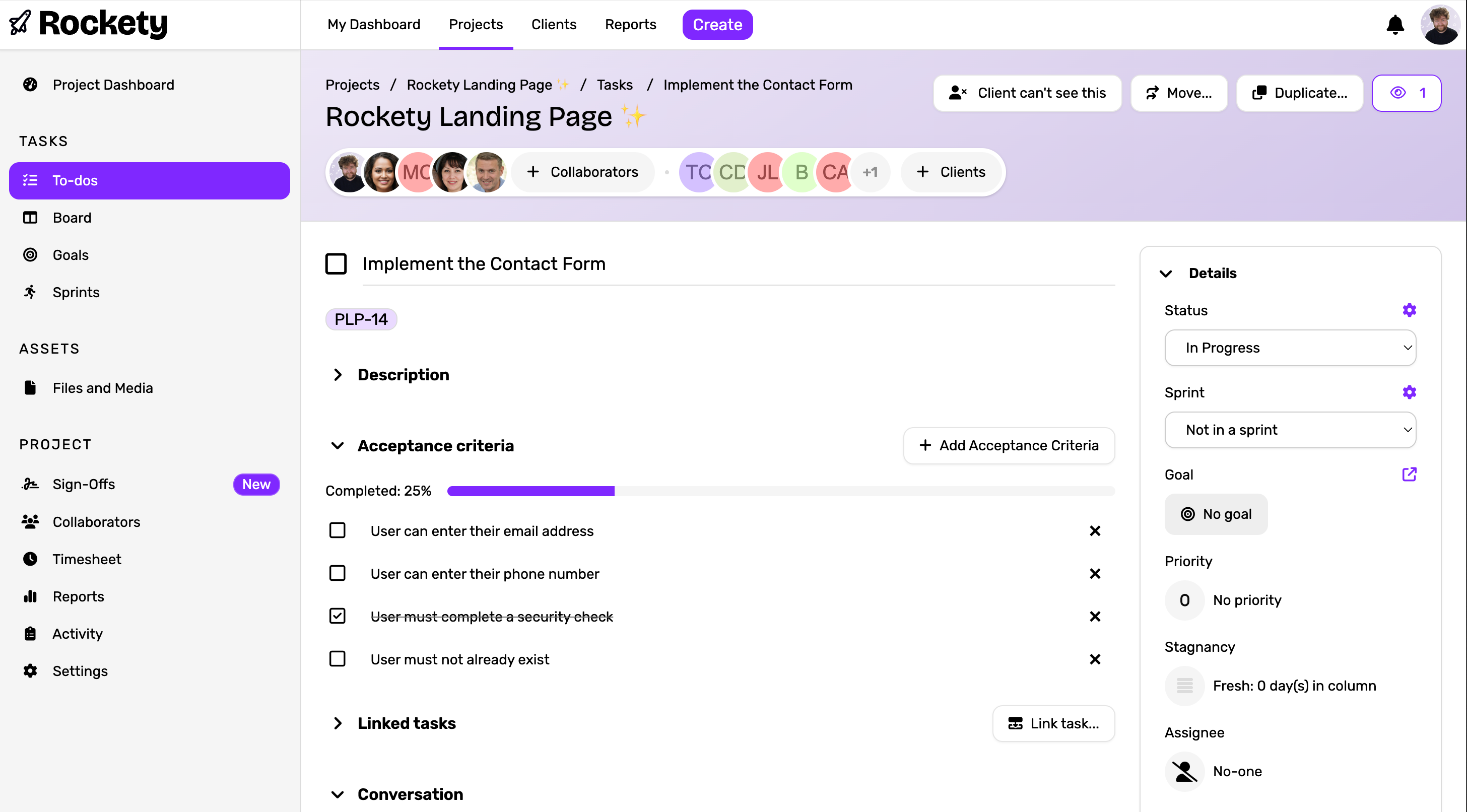
To add Acceptance Criteria to a task, follow these steps:
- Open the task you want to add Acceptance Criteria to.
- Navigate to the "Acceptance Criteria" section within the task details.
- Click on "Add Criteria" to create a new acceptance criterion.
- Enter a clear and concise description of the criterion.
- Repeat steps 3 and 4 to add multiple criteria as needed.
- Once all criteria are added, you can check them off as they are met during the task's progress.
Benefits of Using Acceptance Criteria
- Clarity: Provides a clear definition of what needs to be accomplished for a task to be considered complete.
- Alignment: Ensures that all team members and stakeholders are on the same page regarding task expectations.
- Quality Assurance: Helps in verifying that the task meets the required standards before marking it as complete.
- Improved Communication: Facilitates better communication among team members by outlining specific requirements.
- Focus: Keeps the team focused on delivering the agreed-upon outcomes.
- Accountability: Encourages responsibility by clearly defining what needs to be achieved.
By incorporating Acceptance Criteria into your task management process, you can enhance the overall efficiency and effectiveness of your projects in Rockety.
